Test several hooks without recording each one
Generate two or three concise openings, place them against the same first shot, and compare clarity instead of guessing the pacing from text.
Paste a hook, story, or product line and hear it before editing the video. Voiceslab helps you create an AI voice for TikTok without recording every revision while you keep control of timing and creative decisions.
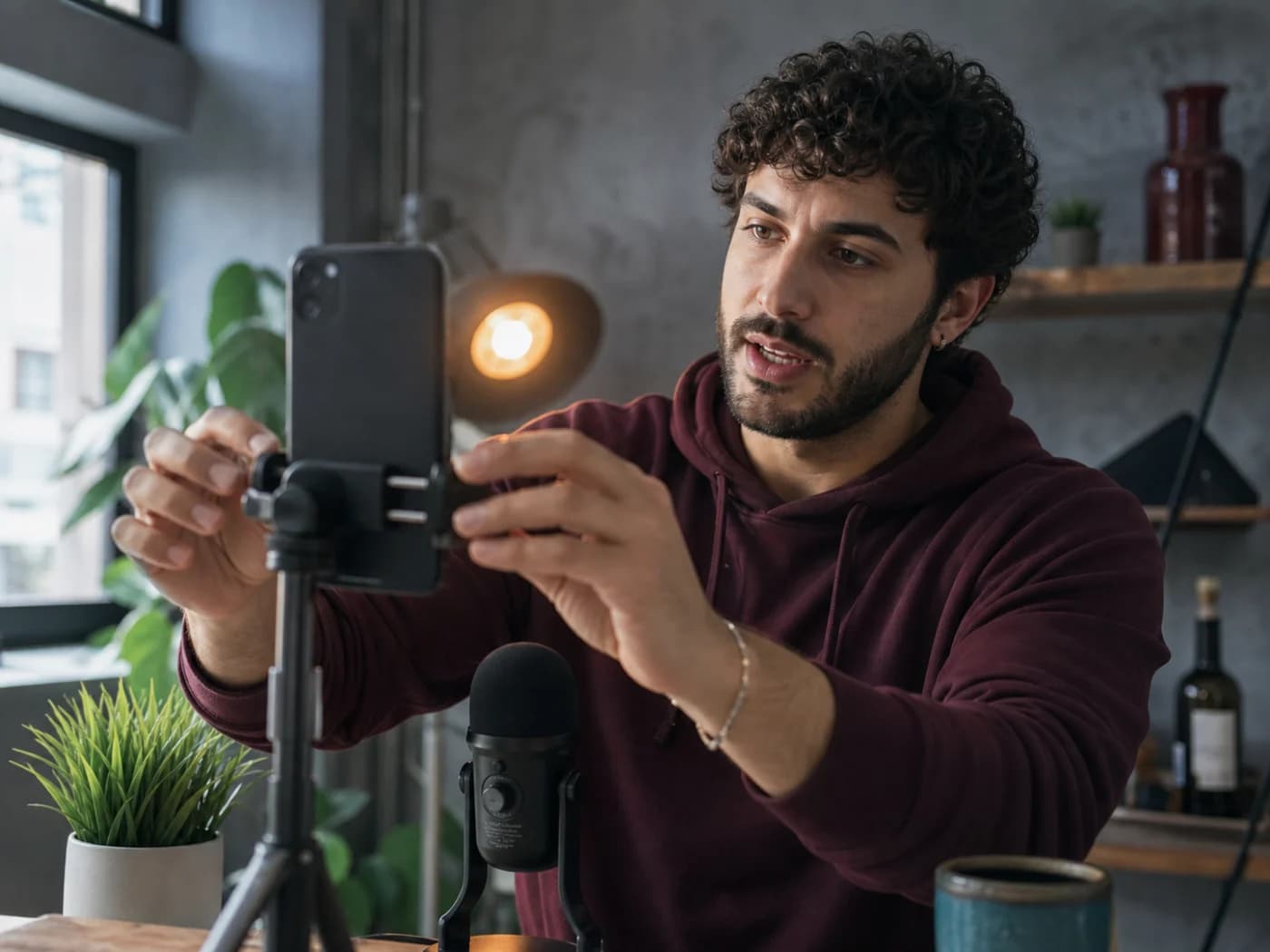
For TikTok creators
Voiceover workflow
Script to voiceover
Preview, refine, export
WORKING VOICE DEMO
Test a short-form script in the browser. Choose a voice, generate a preview, and check the opening hook, sentence rhythm, and ending beat before building the full post.
VOICE THAT SERVES THE EDIT
An AI voice for TikTok turns a short-video script into speech for clips, captions, screen recordings, or animation. Because a few extra seconds can weaken the hook, the useful workflow starts with a small timed preview.
Select an available voice to explore a new style or create an authorized clone of your own voice. Voiceslab generates the audio while you control the script, visual timing, captions, sound mix, and final edit.
SHORT-FORM PRODUCTION PROBLEMS
An AI voice for TikTok helps creators move quickly from a written hook to a timed rough cut.
Generate two or three concise openings, place them against the same first shot, and compare clarity instead of guessing the pacing from text.
Using the same chosen model or permitted clone helps explainers, product tips, and story formats feel connected, even when production happens in batches.
Update the affected sentence, regenerate the clip, and check it against existing captions. An AI voice for TikTok makes late wording changes less disruptive.
A FASTER ROUGH-CUT ROUTINE
A good AI voice for TikTok begins with visual timing. Every spoken sentence should earn its place.
State what the viewer will learn or see near the start. Avoid long greetings and let the voice support the first visual.
Add line breaks where the shot, caption, or idea changes. These boundaries create smaller clips and useful pauses for reactions or reveals.
Paste only the opening lines into the demo. If the point is unclear without reading along, revise the words before changing voices.
Create the setup, middle, and payoff separately. This keeps an AI voice for TikTok flexible when shots change and makes pronunciation problems easier to locate.
TOOLS FOR QUICK ITERATION
These features keep AI voice for TikTok production focused on hearing a line, making a decision, and continuing the edit.
Test a short hook in the browser before deciding whether the voice fits your post.
Compare the same script across available voices for tone, clarity, speed, and account fit.
Clone your own voice when you want generated lines to stay connected to your established creator identity.
Regenerate a revised hook, correction, or call to action without recording the complete post again.
Preview localized scripts for supported languages while keeping review by a fluent speaker in the workflow.
Download the generated result and finish timing, captions, music, and effects in your usual video editor.
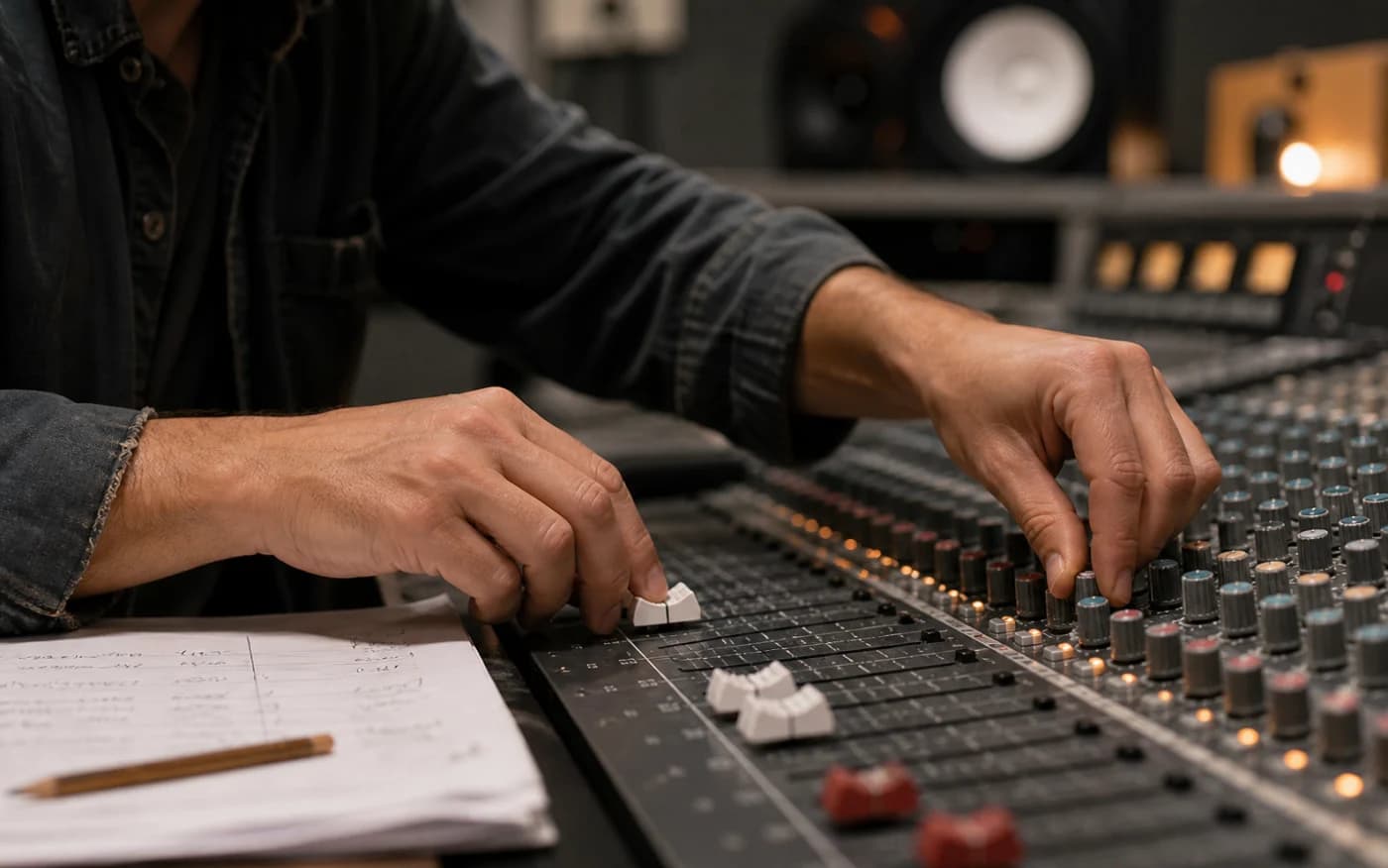
Direct the delivery
Clone your own voice when you want generated lines to stay connected to your established creator identity.
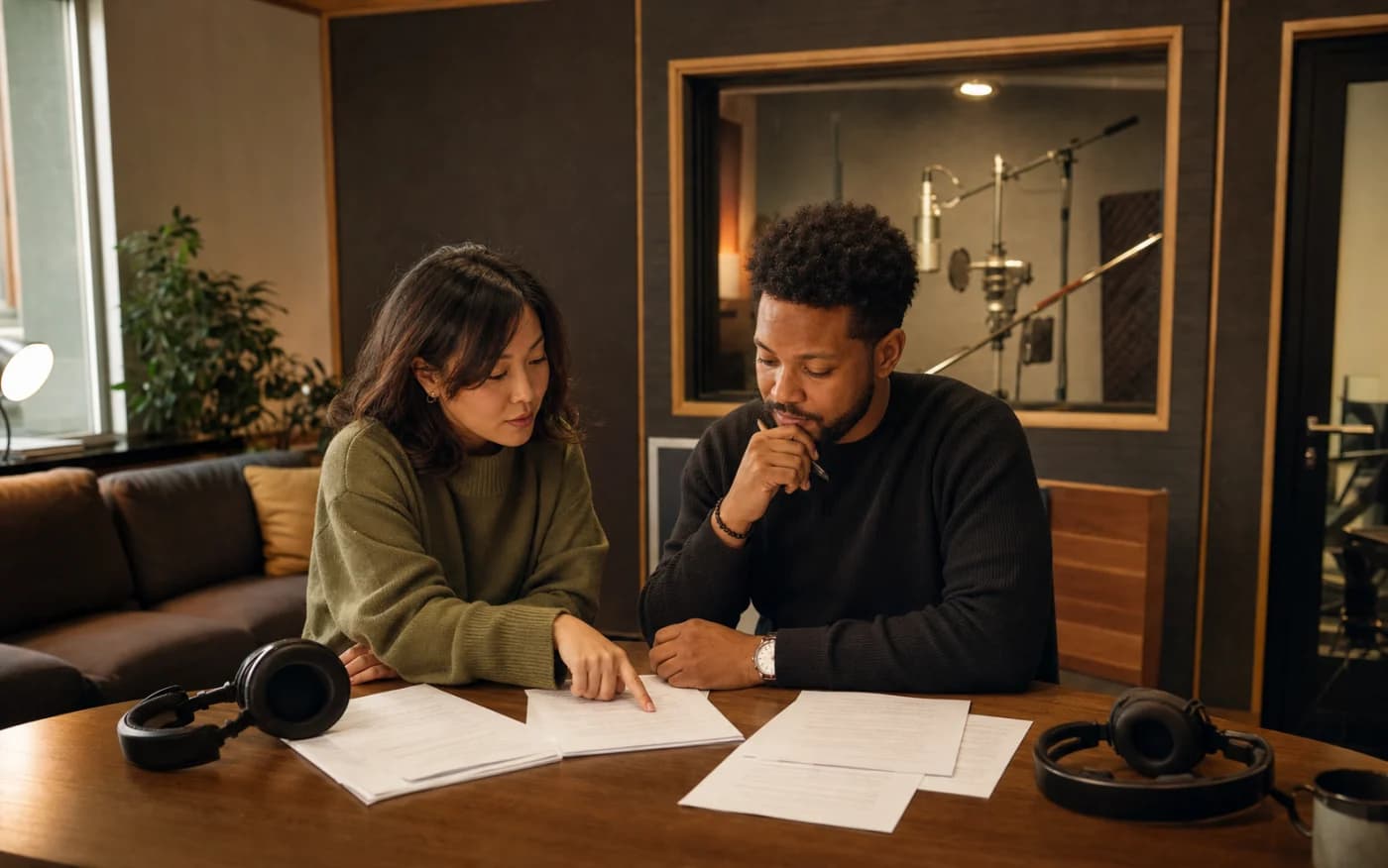
Build for more audiences
Preview localized scripts for supported languages while keeping review by a fluent speaker in the workflow.
KEEP SHORT AUDIO HUMAN
Write the way someone would tell the story. Use contractions, remove throat-clearing phrases, and simplify any line that makes the AI voice for TikTok sound rushed or unnatural.
Use original, owned, or properly licensed voices. Keep the project script and audio files. A TikTok voice generator is a production tool; responsible context still comes from the account owner.
QUESTIONS BEFORE YOU CREATE
Yes. Use the browser demo to generate a limited preview without signing up. Paste a real hook so the test matches your content.
There is no fixed length. Write to the visual sequence and target duration, generate in short sections, and remove lines that do not help the hook or payoff.
Yes. Voiceslab can create a custom voice from your authorized sample so recurring posts keep a recognizable identity.
Do not imitate someone without clear permission. Use your own voice, an original character direction, or a licensed voice model.
Use conversational sentences, purposeful punctuation, and short sections. Listen with the video and rewrite awkward lines around important visual moments.
No. Voiceslab generates speech. Use your video editor for footage, captions, music, effects, timing, and the final export.
Test the opening line in the free demo, adjust the rhythm, and take the approved AI voice for TikTok into your editing workflow.
Generate a TikTok VoiceoverFor TikTok creators
Voice track