VOICE STUDIO

AI Voice Cloning ToolCreate a Voice That Sounds Like You

Upload or record a clear 10–60 second voice sample. Voiceslab learns your tone, accent, and speaking style so you can generate natural-sounding speech in your own voice across 24 languages.

One free voice clone · 3,000 characters · No credit card required

How AI Voice Cloning Works

1

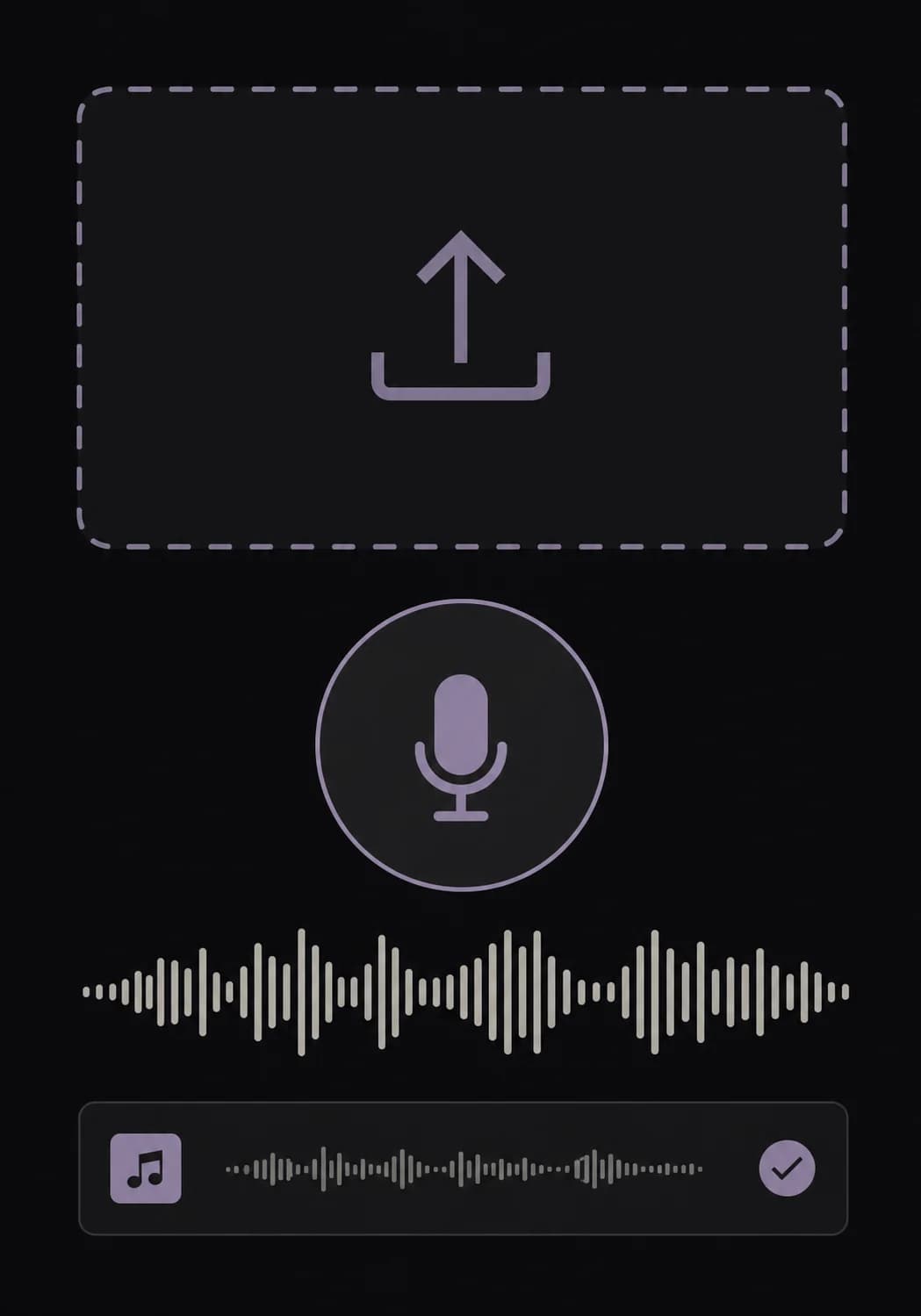
Upload Voice Sample

Upload a file or record 10–60 seconds of clear, natural speech with minimal background noise.
Upload Voice Sample
2

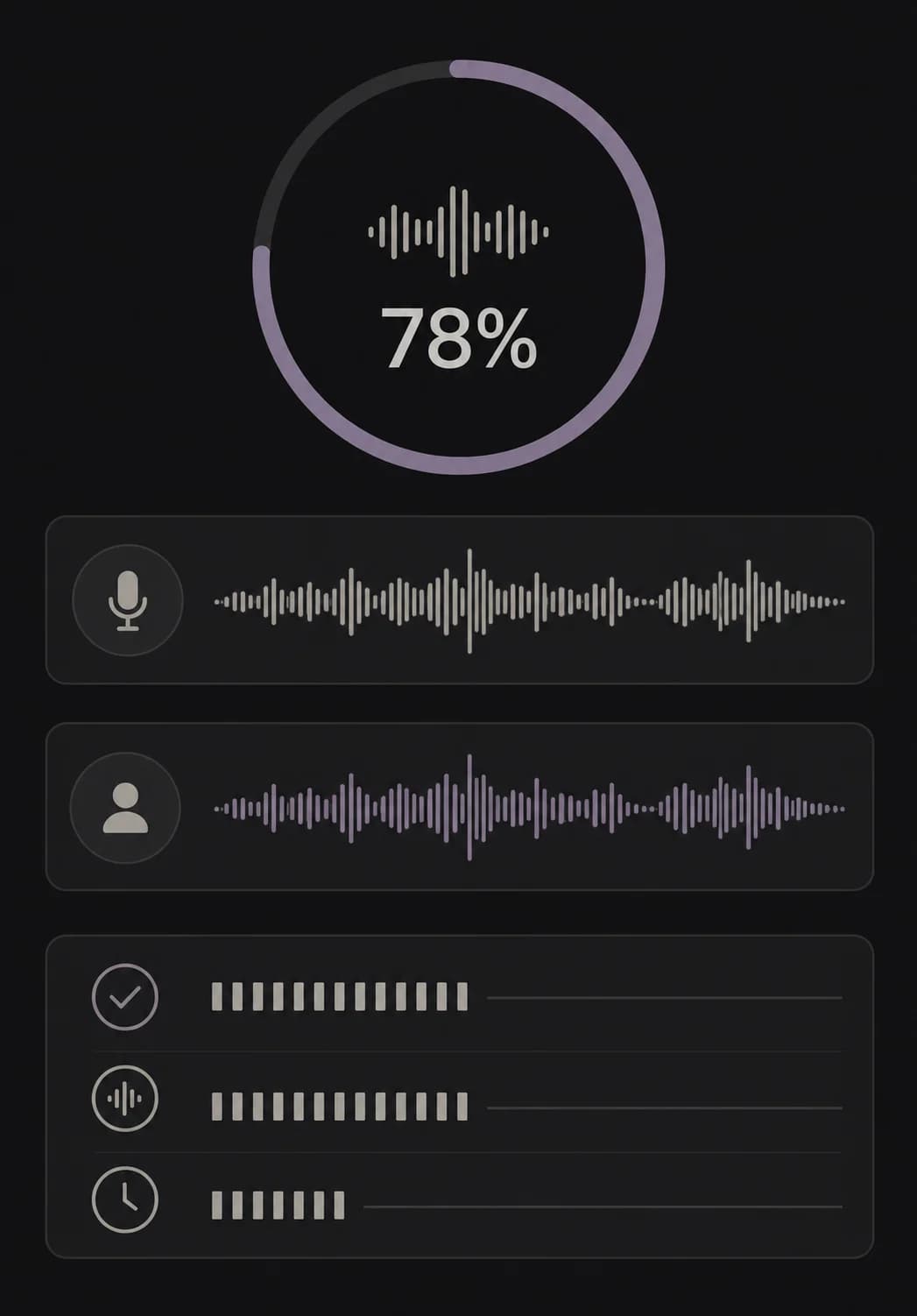
AI Processing

The model analyzes the sample’s tone, accent, rhythm, and speaking style to build your voice clone.
AI Processing
3

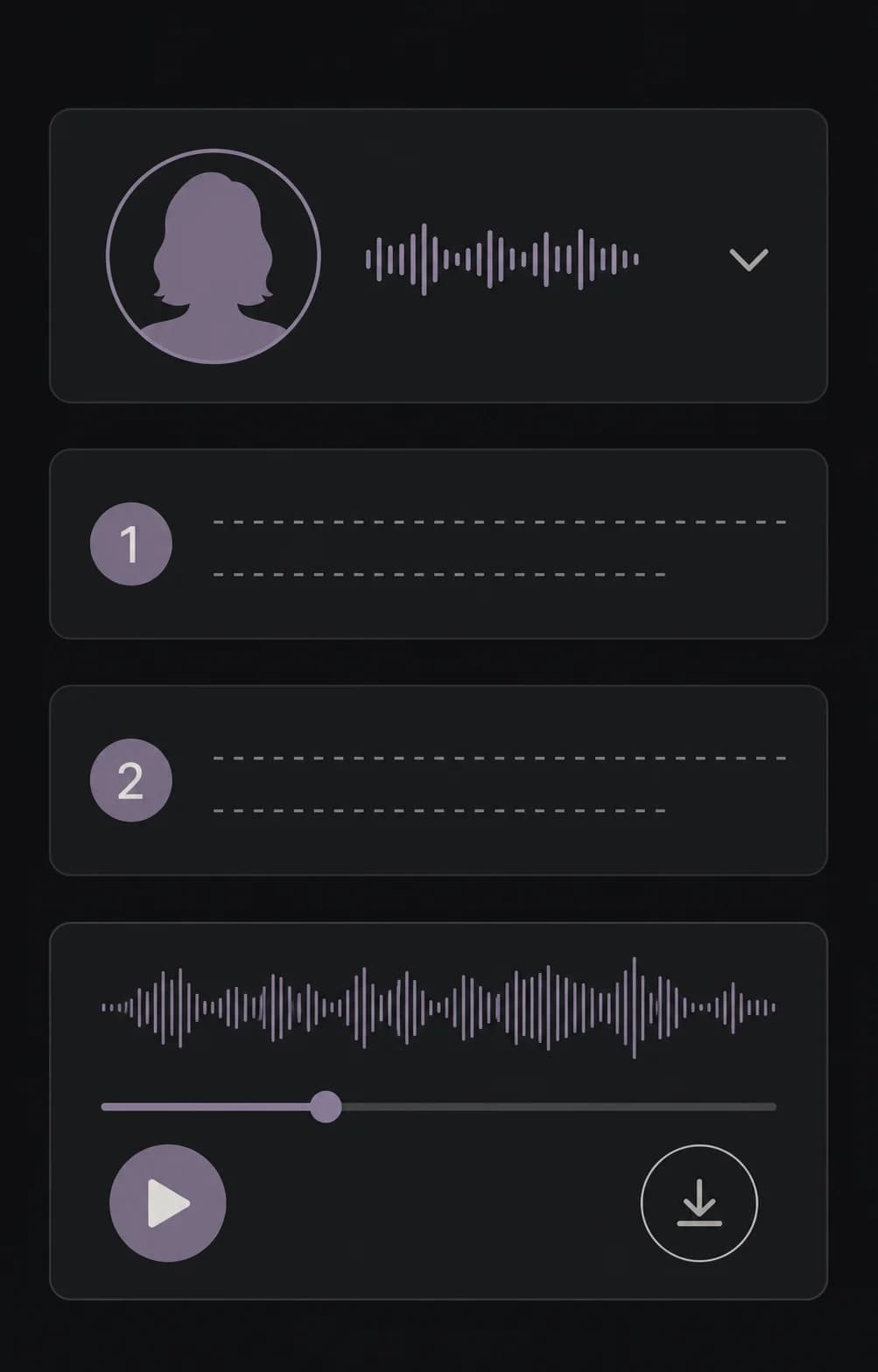
Generate Speech

Choose your cloned voice, enter your text, and create natural-sounding speech whenever you need it.
Generate Speech
Built for your voice

Why Choose Voiceslab’s AI Voice Cloning Tool

From a short recording to reusable speech, Voiceslab keeps the voice cloning workflow focused, flexible, and easy to control.
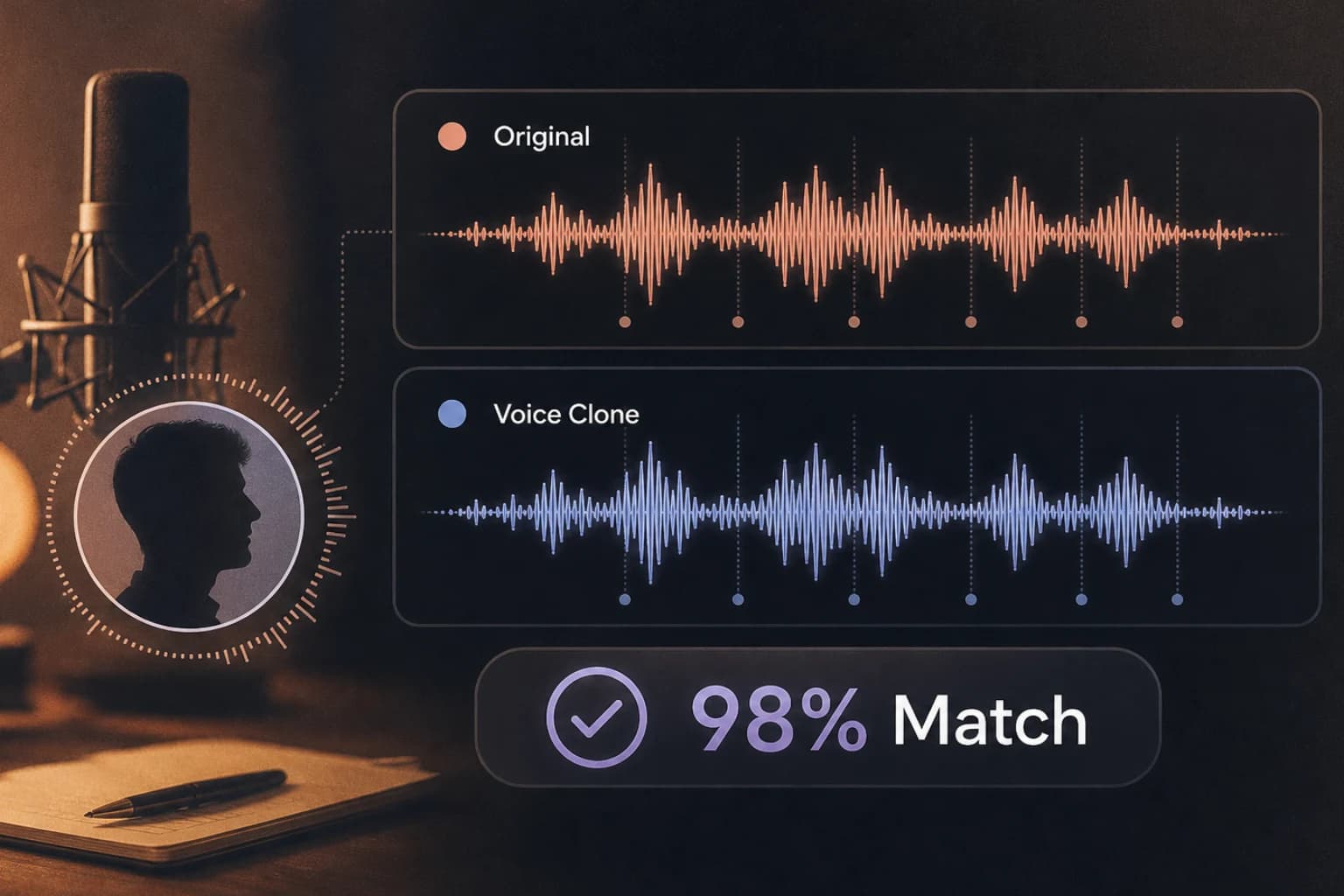
High-Fidelity Voice Matching

High-Fidelity Voice Matching

Turn a clear voice sample into natural-sounding speech that preserves its recognizable tone, accent, rhythm, and speaking style.
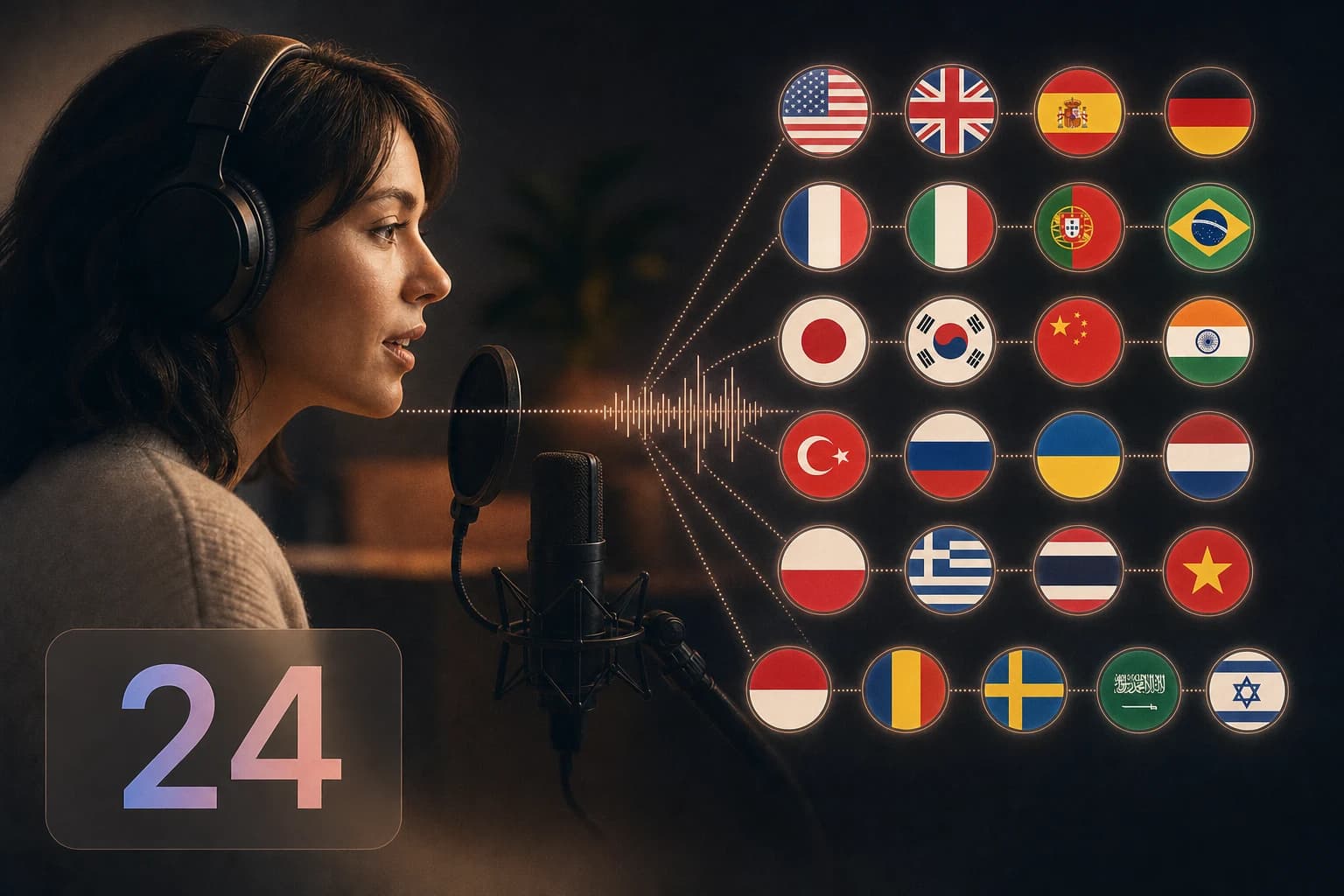
Voice Cloning Across 24 Languages

Voice Cloning Across 24 Languages

Support for 24 voice cloning languages: Arabic, Cantonese, Chinese, Czech, Dutch, English, Finnish, French, German, Greek, Hindi, Indonesian, Italian, Japanese, Korean, Polish, Portuguese, Romanian, Russian, Spanish, Thai, Turkish, Ukrainian, and Vietnamese. Our AI voice cloning preserves natural accent, pronunciation, and cadence across languages.
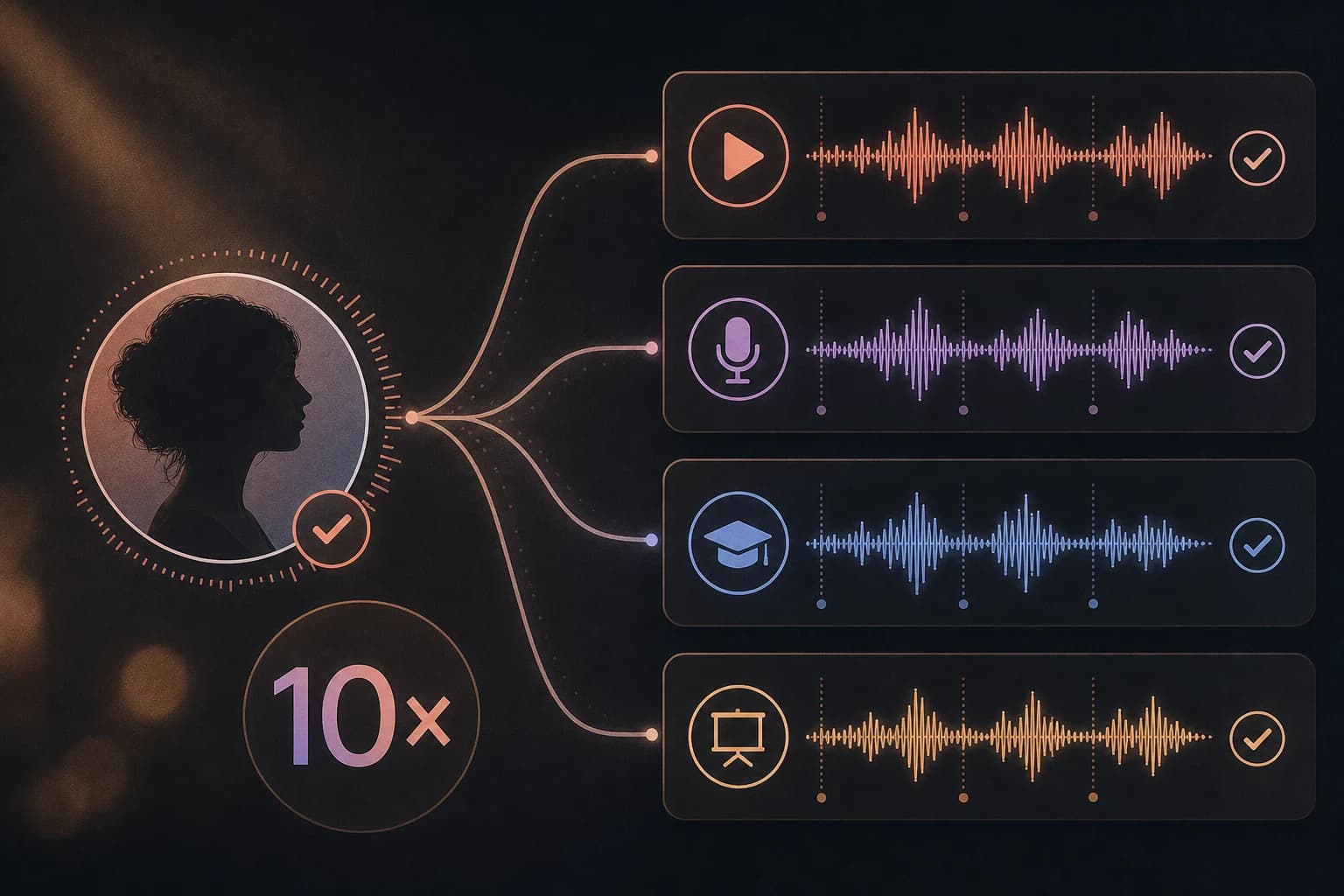
A Fast, Repeatable Workflow

A Fast, Repeatable Workflow

Once your voice clone is ready, turn new scripts into speech without returning to the microphone for every revision.
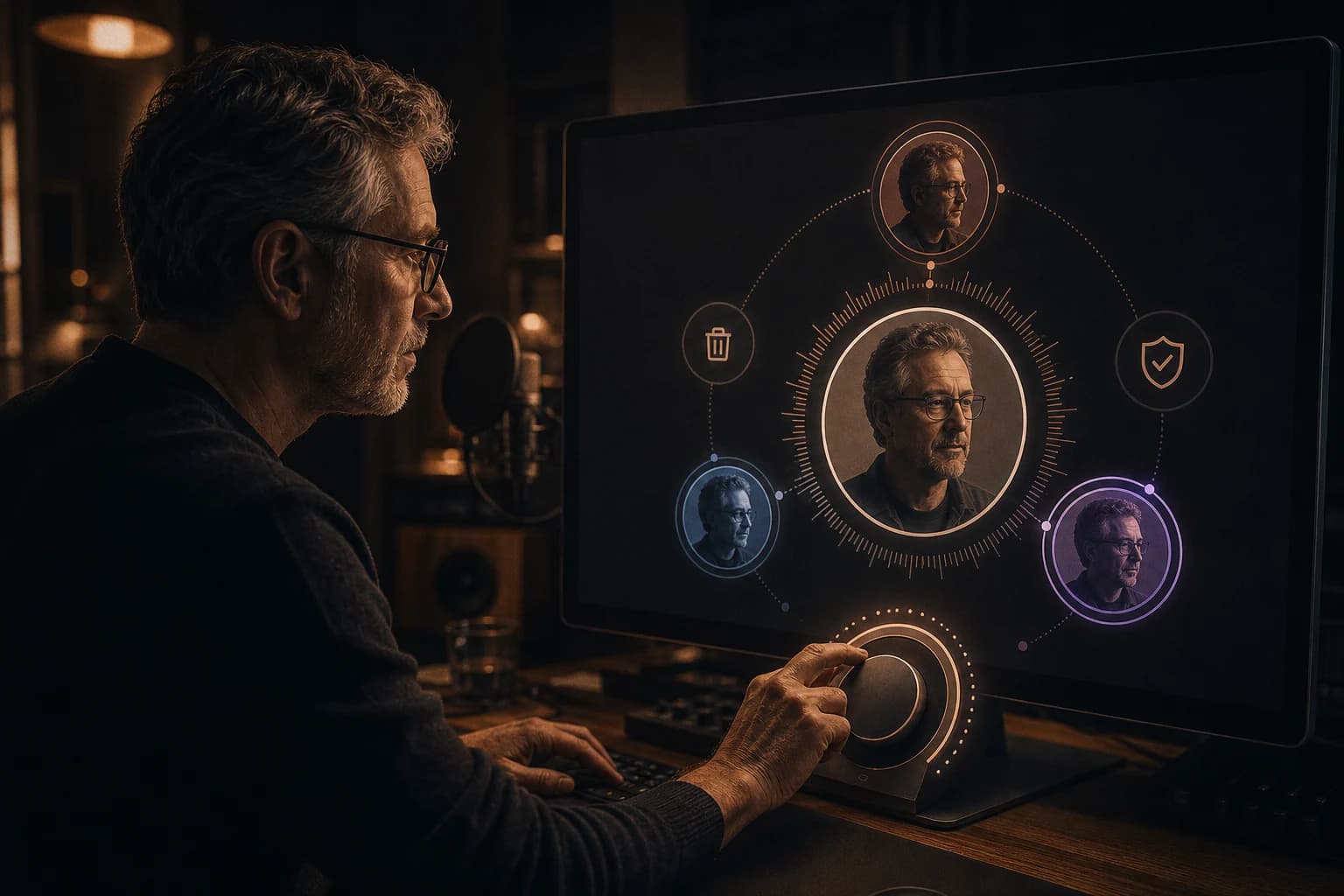
Control Your Cloned Voice

Control Your Cloned Voice

Manage the voices connected to your account and remove a cloned voice when you no longer want to use it.

AI Voice Cloning FAQs

Which languages does AI voice cloning support?
Our AI voice cloning technology now supports 24 languages: Arabic, Cantonese, Chinese, Czech, Dutch, English, Finnish, French, German, Greek, Hindi, Indonesian, Italian, Japanese, Korean, Polish, Portuguese, Romanian, Russian, Spanish, Thai, Turkish, Ukrainian, and Vietnamese. Each language is tuned to preserve natural pronunciation, accent, and cadence so your cloned voice stays believable across languages.
What is AI voice cloning and how does it work?
AI voice cloning learns the recognizable characteristics of a recorded voice—such as tone, accent, rhythm, and speaking style—and uses them to generate new speech from text. You provide a short sample, Voiceslab builds the voice clone, and then you can use that voice for new scripts.
How long should my voice sample be?
Use 10–60 seconds of clear, natural speech. Record one speaker in a quiet space, keep the microphone distance consistent, and avoid music, echo, clipping, or background conversations. A cleaner sample usually produces a more recognizable voice clone.
Can I try AI voice cloning for free?
Yes. A free account can create one free voice clone and generate up to 3,000 characters. No credit card is required to start. Paid plans add more voice clones and larger character allowances.
Can I clone someone else’s voice?
Only clone a voice you own or have explicit permission to use. Do not use voice cloning to impersonate, deceive, harass, commit fraud, or violate another person’s rights. You are responsible for having the necessary consent for every voice sample you upload.
How can I make my cloned voice sound more natural?
Start with clean audio and speak in your normal tone at a steady pace. When generating speech, write conversationally and use commas, periods, and paragraph breaks to guide pauses. If the result sounds distant or inconsistent, create a new sample with less room echo and background noise.
How do I generate speech with my cloned voice?
After creating the clone, open Text to Speech, choose your cloned voice from the voice selector, enter your script, and generate the audio. You can then listen to the result and download completed audio when that option is available for your account.
How much text can I generate at once?
Each cloned-voice generation supports up to 10,000 characters. For longer projects such as audiobooks or courses, split the script into logical sections so each file is easier to review, revise, and organize.
How long does voice cloning take?
Processing time varies with the audio sample and current demand, but the workflow is designed to move from upload to a reusable voice without a long recording session. Clear audio also reduces the chance that you will need to record the sample again.
Can I delete a cloned voice?
Yes. You can manage the cloned voices connected to your account and delete a voice you no longer want to use. Deleting the voice removes it from your voice selection, so save any finished audio files you want to keep first.

Ready to Create Your AI Voice Clone?

Create a reusable AI version of your voice for videos, podcasts, training, and more. Start with one free voice clone and 3,000 characters.

AI Voice Cloning Tool — Create a Realistic Voice in Seconds