
No need to book several voice actors
Produce a two-host podcast segment or a customer conversation without coordinating schedules for multiple people.
Write a conversation, give each speaker a voice, and generate the whole scene as one audio track. Voiceslab's AI dialogue generator supports up to five speakers, so podcasts, explainers, lessons, and story scenes sound like real people talking to each other.
Multi-voice dialogue
Voiceover workflow
Script to voiceover
Preview, refine, export
WORKING VOICE DEMO
This preview reads one voice at a time. Use it to audition the voices you want for each speaker, then open the dialogue studio to put them together in a single conversation.
WHAT IT IS
An AI dialogue generator is multi-speaker text to speech: text to speech for more than one person. Instead of reading a script in a single voice, it gives each speaker a different voice and produces the lines in order, with natural turn-taking, so the result sounds like a conversation instead of a narration.
In Voiceslab, you write or paste the script, mark who says each line, and assign a voice from the library or one of your own cloned voices to each speaker. The dialogue is generated together, which keeps timing and tone consistent between the speakers.
WHY IT HELPS
A single narrator reading every part makes dialogue hard to follow. Text to speech with multiple voices lets listeners know who is speaking without extra explanation.
Produce a two-host podcast segment or a customer conversation without coordinating schedules for multiple people.
Language lessons, role-play training, and customer service scenarios are easier to follow when each role has its own voice.
Hear how a scene sounds out loud before you record it, and spot lines that feel unnatural in conversation.
HOW IT WORKS
Building a dialogue takes a few minutes once your script is ready.
Put each line on its own row and label the speaker. Keep turns short, the way people actually talk.
Pick up to five different voices from the library or your cloned voices. Contrasting voices are easier for listeners to tell apart.
Create the full conversation in one pass, then listen for pacing between turns and any line that needs rewriting.
Export the audio and add music, sound effects, or video in your editor.
WHAT YOU GET
Built for scripts where more than one person talks.
Enough for hosts, guests, narrators, and supporting characters in one scene.
Mix stock voices with your own cloned voice—for example, yourself as the host and a library voice as the guest.
Lines are generated as a conversation, so speakers respond to each other instead of sounding like separate recordings glued together.
Change one speaker's line in the script and regenerate, instead of re-recording everyone.
Write conversations in other languages for language learning or localized content.
Download the finished conversation and keep it in your history for later.
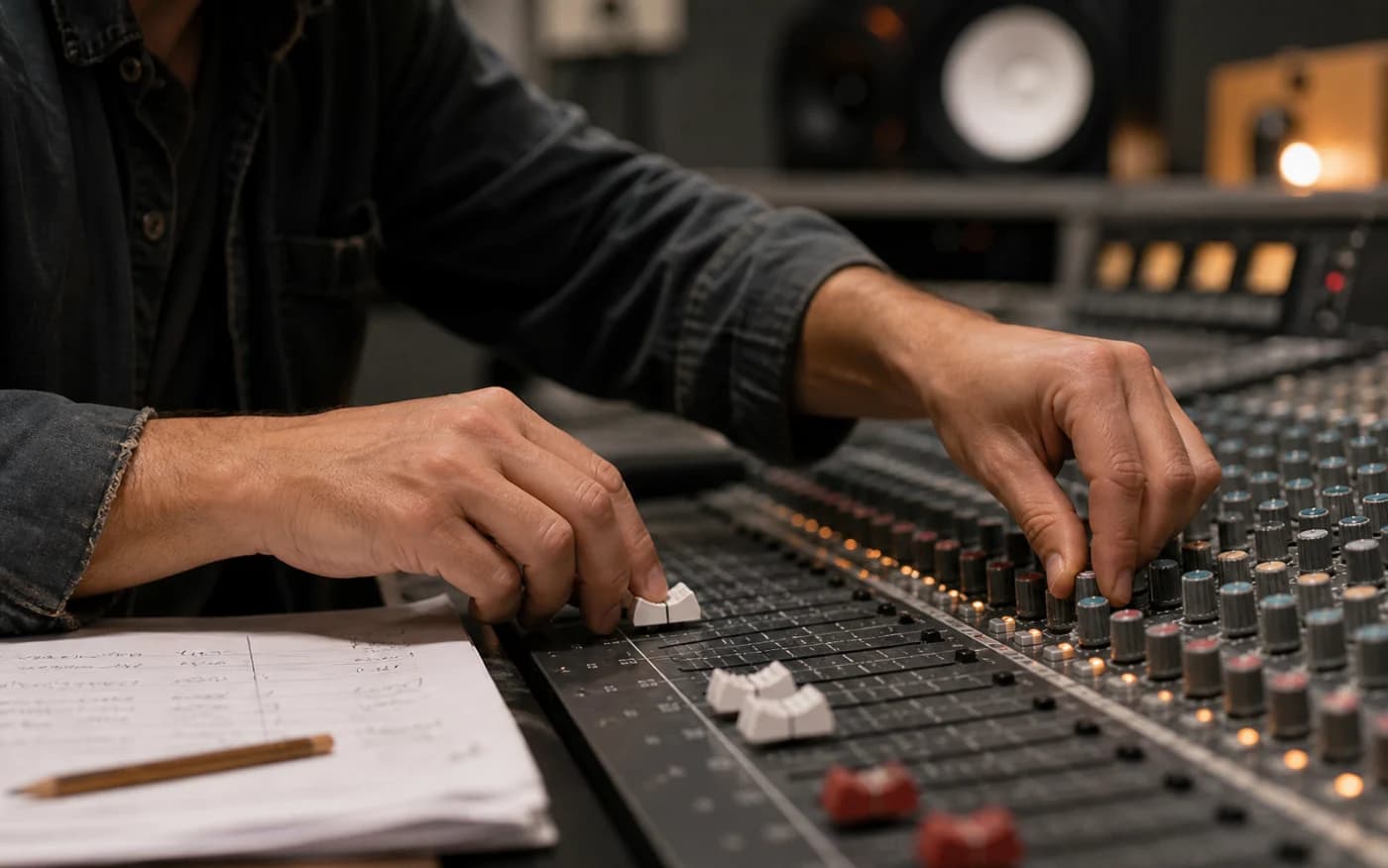
Direct the delivery
Lines are generated as a conversation, so speakers respond to each other instead of sounding like separate recordings glued together.
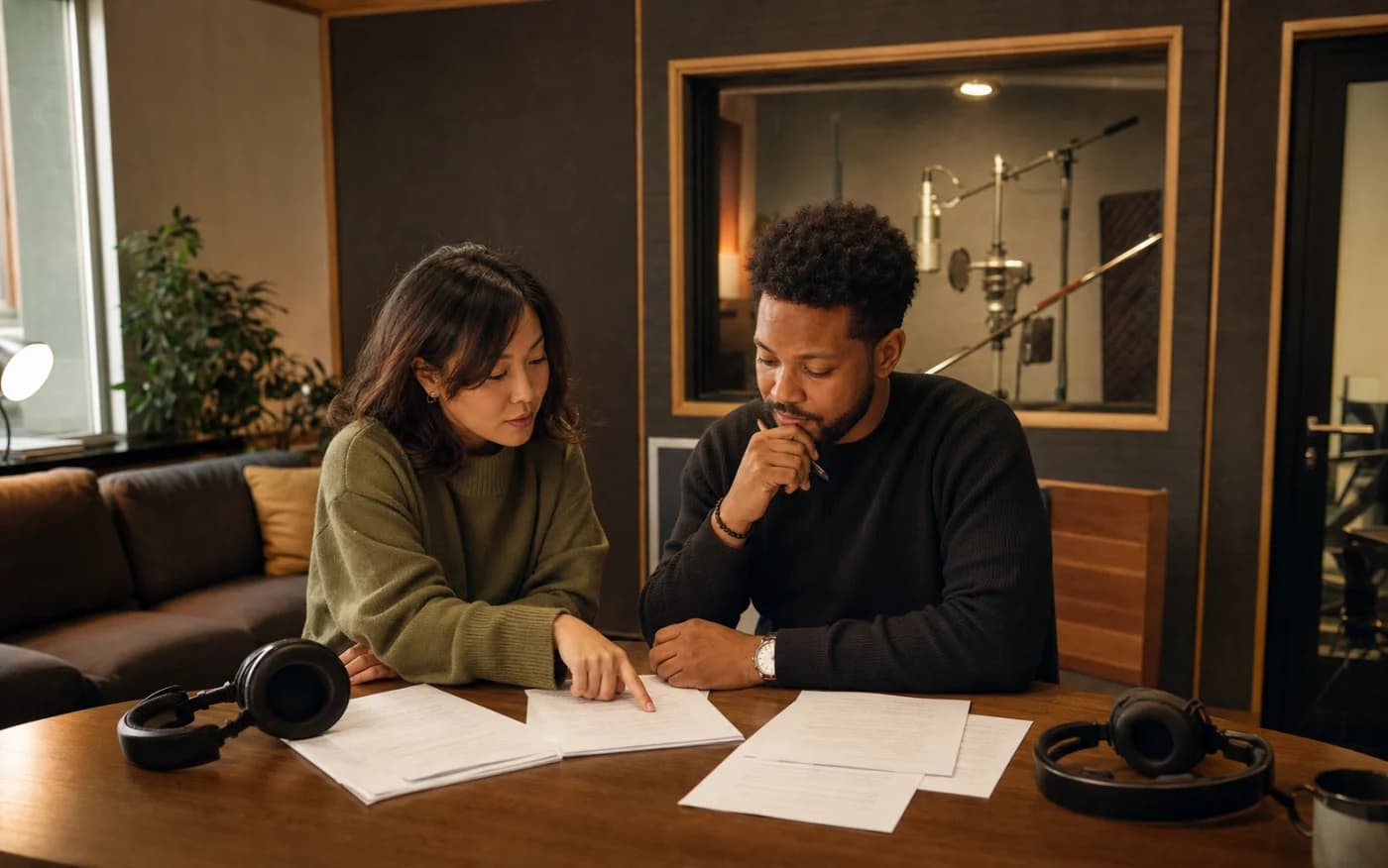
Build for more audiences
Write conversations in other languages for language learning or localized content.
WRITE FOR THE EAR
Real conversations use short turns, interruptions, and simple words. Read your script out loud before generating it. If a line feels like something nobody would say, rewrite it, because the voice will expose stiff writing faster than any editor.
Choose voices that contrast in pitch, gender, or energy so listeners can tell speakers apart without names. Keep the same voice for the same character across episodes, and keep a short note of which voice belongs to which role.
QUESTIONS BEFORE YOU CREATE
Up to five different voices in a single conversation.
Yes. Any voice you have cloned in Voiceslab can be assigned to a speaker alongside library voices.
You can audition voices without an account in the preview above. Creating a multi-speaker dialogue requires signing in, and the free plan includes a monthly character allowance.
Podcast segments, interview-style explainers, language lessons, training role-plays, audio stories, and product demos with more than one speaker.
Yes. Choose voices that support the language of your script.
Yes. For narration with one voice, use the text to speech tool.
Audition voices here, then build the full conversation in the dialogue studio.
Audition VoicesMulti-voice dialogue
Voice track