
Hear character contrast before production
Preview two roles with the same exchange and compare pace, warmth, and authority. If they still blur together, revise the writing as well as the casting.
Give an original character a consistent sound before animating or recording a full scene. The Voiceslab character voice generator turns dialogue into playable speech for games, videos, fiction podcasts, and audiobook scenes.
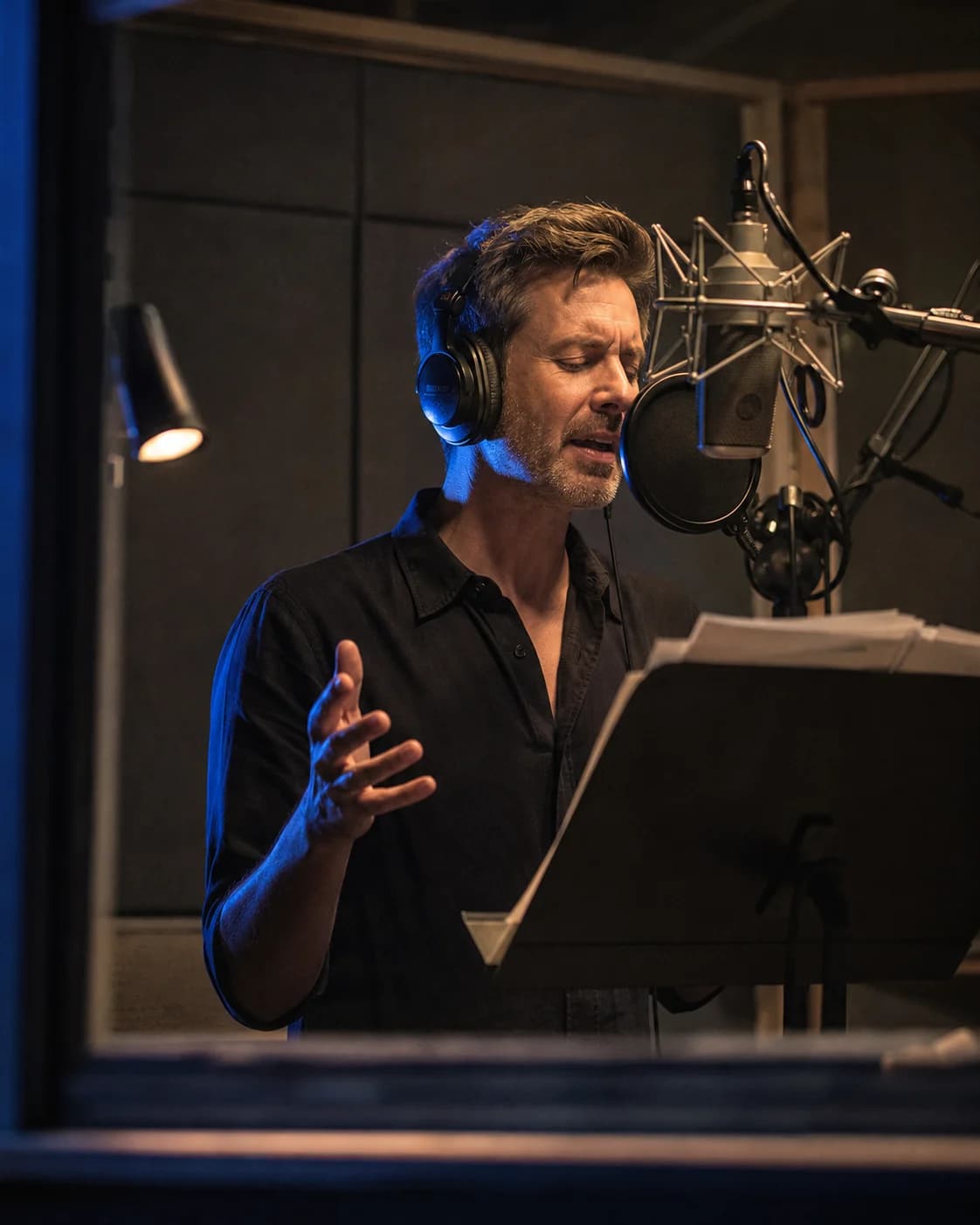
For original characters
Voiceover workflow
Script to voiceover
Preview, refine, export
WORKING VOICE DEMO
Paste a short line, choose a voice, and listen in the browser. Use the preview to compare attitude, pacing, and clarity before committing to a full scene or recurring role.
FROM CHARACTER NOTES TO DIALOGUE
A character voice generator turns dialogue into speech so writers can test whether roles sound distinct, jokes land at the right pace, and dramatic lines fit the scene. The audio can serve as a prototype, an authorized production voice, or a guide for later performance.
Start with available voices or create an authorized custom voice from a recording you own. Do not copy an actor, celebrity, streamer, or private person without permission. Original direction and clear rights make the workflow sustainable.
WHERE VOICE PROTOTYPING HELPS
A character voice generator cannot define the role, but it can reveal whether dialogue, casting, and scene rhythm support it.
Preview two roles with the same exchange and compare pace, warmth, and authority. If they still blur together, revise the writing as well as the casting.
Place generated lines in a rough build or animatic to check subtitle timing, reaction shots, and branching choices before final production.
A permitted custom voice lets creators revise recurring names or episode details while keeping serialized narration connected to earlier installments.
A REPEATABLE CASTING PROCESS
The strongest result begins with character direction. Use this character voice generator workflow to build consistent, editable dialogue.
Describe energy, social position, emotional restraint, and rhythm without naming a real performer to imitate. Add what the voice should avoid.
Include a neutral line, an emotional line, a question, and important world terminology. Test ordinary scenes, not only the loudest moment.
Generate the same audition for each candidate. A character voice generator is easier to judge when the wording stays fixed and only the voice changes.
Record how names, invented places, abbreviations, and repeated terms should sound. This protects continuity when dialogue is generated weeks later.
A STUDIO FOR VOICE EXPLORATION
A useful character voice generator helps creators audition text, maintain a chosen voice, and move finished speech into production.
Hear a real line in the browser before signing up, so early casting starts with sound rather than guesswork.
Use one audition script across available voices and judge which one supports the character brief.
Create a repeatable model from your own or a properly permitted performance when the project needs a unique identity.
Regenerate one revised line without replacing every approved exchange in the scene.
Test translated dialogue in supported languages with fluent review for meaning, pronunciation, and cultural fit.
Bring generated clips into a game engine, audio workstation, animation timeline, or video editor for final production.
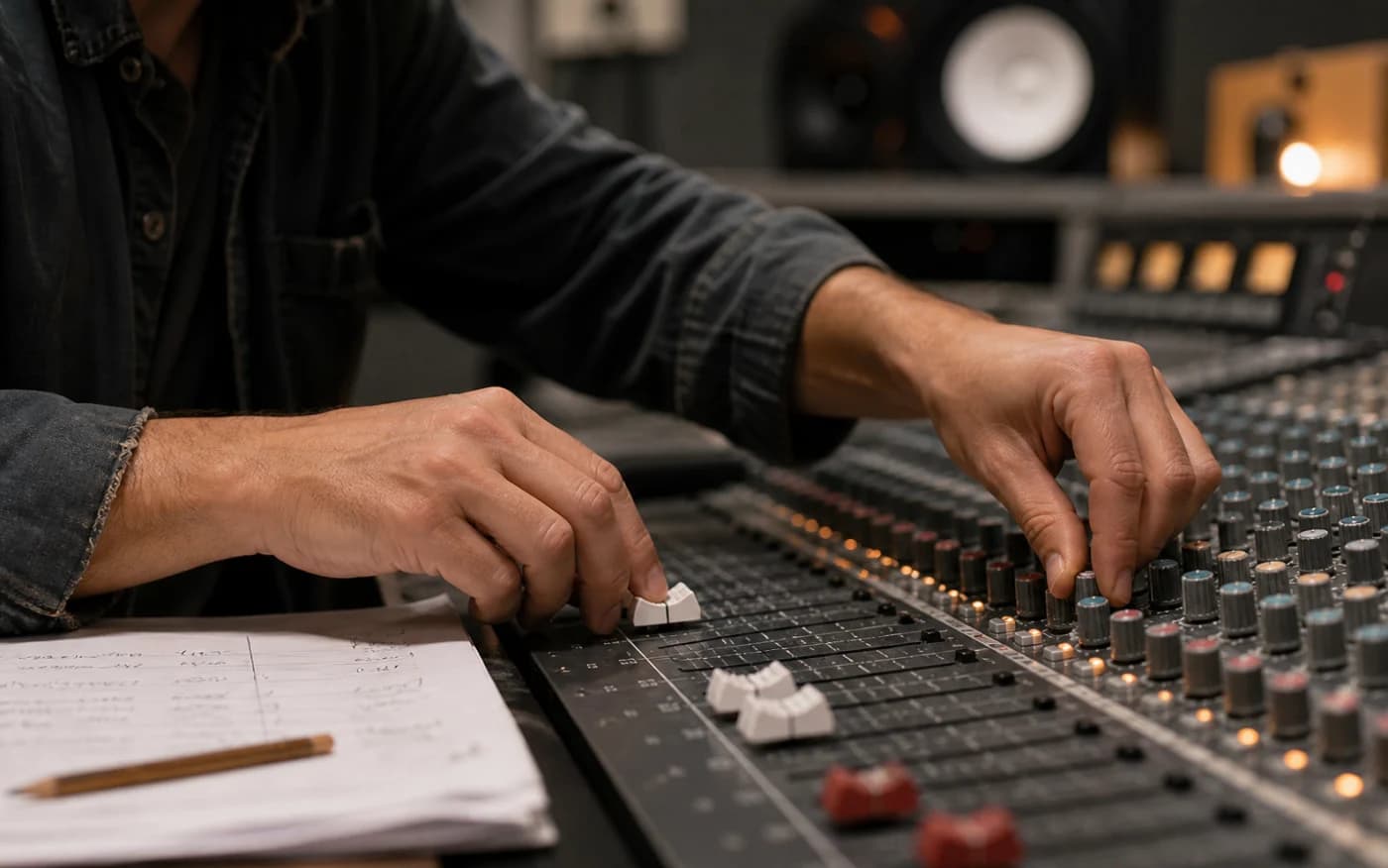
Direct the delivery
Create a repeatable model from your own or a properly permitted performance when the project needs a unique identity.
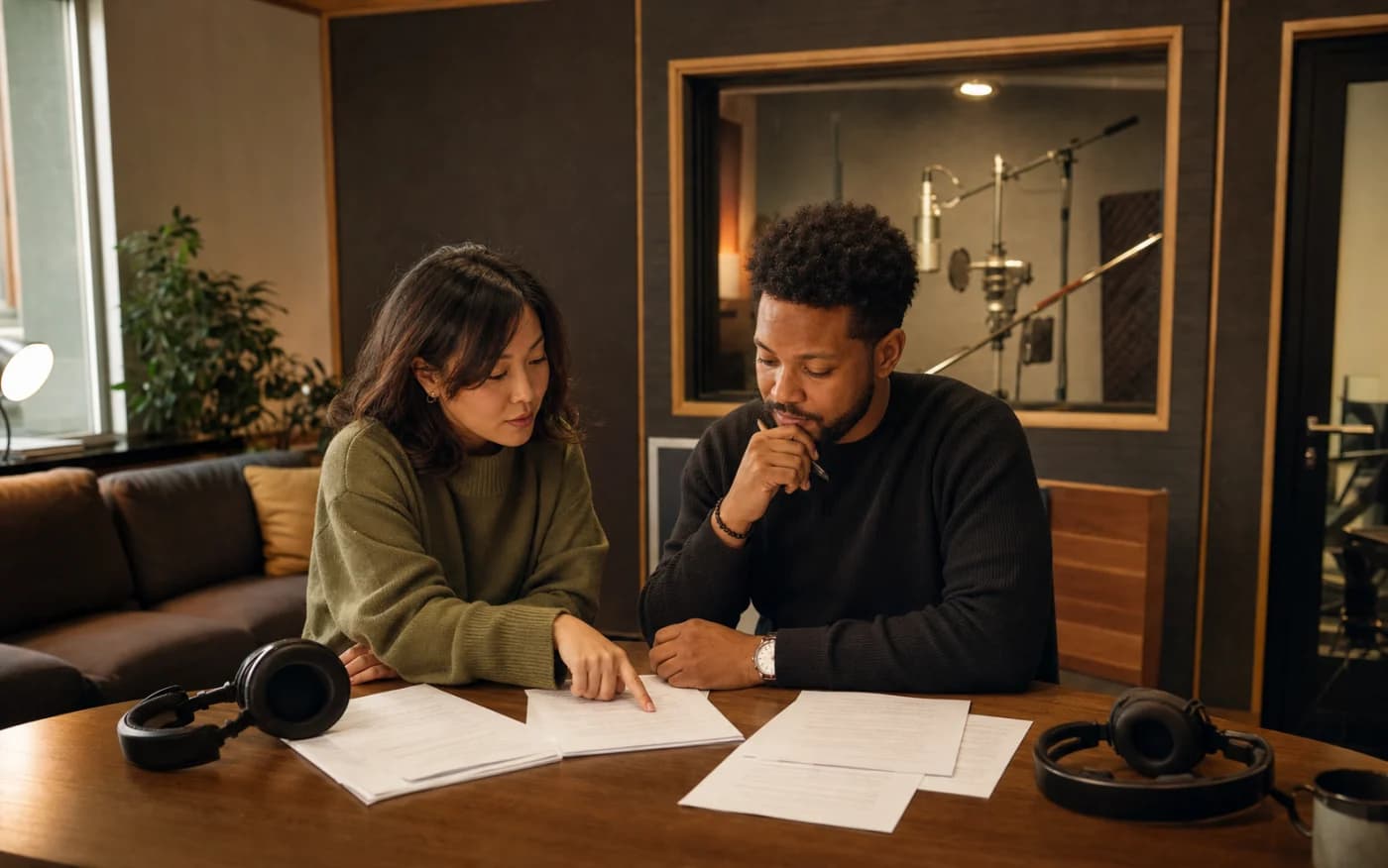
Build for more audiences
Test translated dialogue in supported languages with fluent review for meaning, pronunciation, and cultural fit.
CONSISTENCY BEATS A GIMMICK
A memorable voice supports ordinary dialogue, not only dramatic lines. Test greetings, exposition, disagreement, and quiet reactions. Use the character voice generator to check whether the choice stays clear across a full scene.
Keep casting boundaries clear. Do not impersonate a recognizable person without consent. If an actor provides a custom sample, document where and how the resulting voice may be used.
QUESTIONS BEFORE YOU CREATE
Yes. Paste a short audition line, choose an available voice, and generate a limited browser preview before creating an account.
Original games, animation, fiction podcasts, story videos, visual novels, prototypes, and audiobook dialogue can use generated voices with the required rights.
Yes. Compare voices with one audition script, then keep separate voice and pronunciation notes for each role.
Not without permission and the necessary rights. Use original direction, a licensed model, or your own authorized performance instead.
Keep the same voice, punctuation habits, pronunciation guide, and review process. Save approved scripts so later lines match established choices.
No. Voiceslab creates speech. Add ambience, music, processing, and final loudness in your audio workstation, game engine, or editor.
Paste a representative line into the character voice generator, compare it with your voice brief, and refine the sound until it supports the story.
Generate a Character VoiceFor original characters
Voice track