Narration without a microphone
Create voiceovers for tutorials, explainers, and social videos without a quiet room, a good microphone, or a recording session.
Paste any script, choose a voice, and get natural speech in seconds. Voiceslab's AI text to speech runs in your browser, works with a library of voices or your own authorized voice clone, and exports audio you can drop straight into a video, podcast, or lesson.
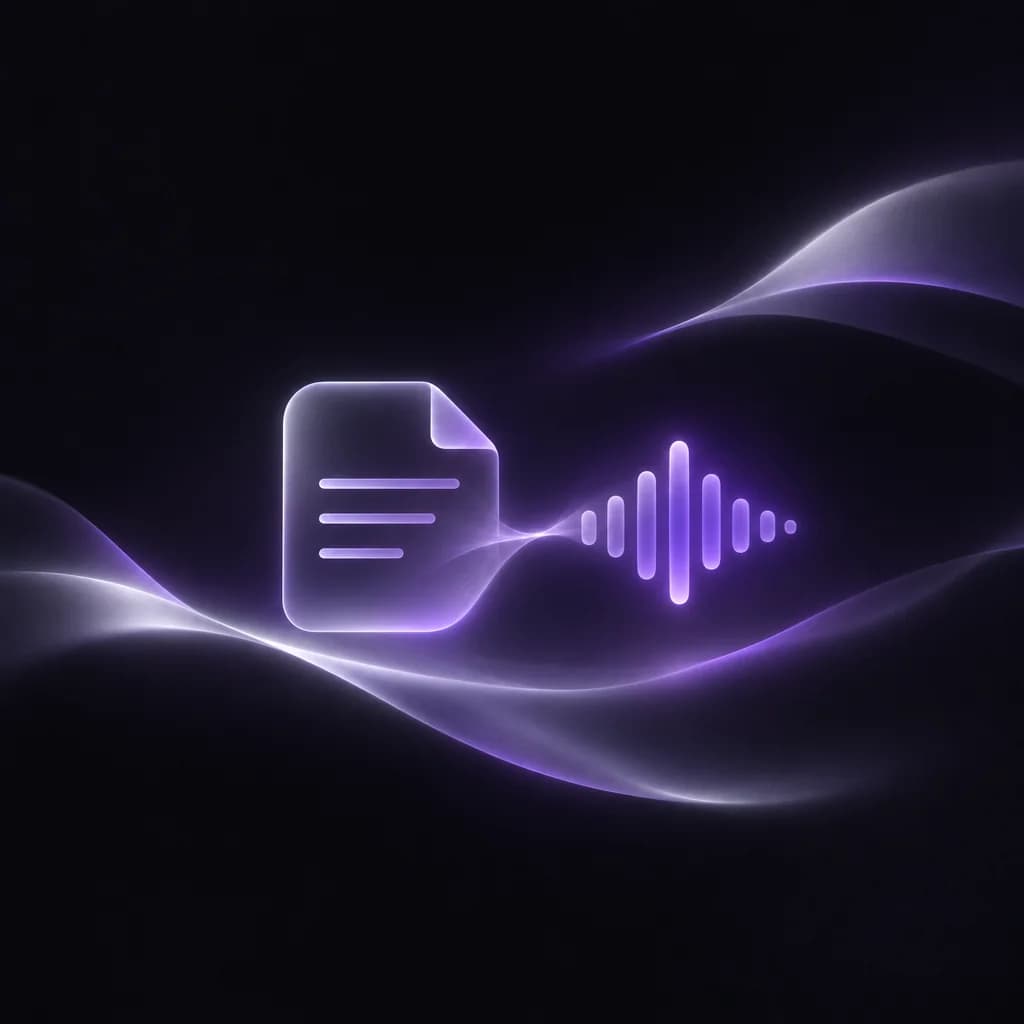
AI text to speech
Voiceover workflow
Script to voiceover
Preview, refine, export
WORKING VOICE DEMO
Type or paste a few sentences, pick a voice, and listen. No account is needed for this preview, so you can judge the voice with your own words before you sign up.
WHAT IT IS
AI text to speech (TTS) reads written text aloud with a synthetic voice. Older TTS engines stitched together recorded sounds and often sounded flat. Modern AI models learn rhythm, emphasis, and breathing from real speech, so the result follows punctuation and sounds closer to a person reading your script. Many tools call this an AI voice generator; the idea is the same.
In Voiceslab, you paste text, choose one of the library voices or a voice you cloned from your own recording, adjust speed and volume if needed, and generate. Finished audio stays in your history so you can replay it, download it as an MP3, or regenerate a single line after an edit.
WHY PEOPLE USE IT
Recording every line yourself is slow, and hiring a voice actor for every revision rarely fits the budget. Text to speech closes that gap.
Create voiceovers for tutorials, explainers, and social videos without a quiet room, a good microphone, or a recording session.
Change a sentence in the script and regenerate only that part instead of re-recording a whole take that has to match the old one.
Keep the same voice across a series of videos, lessons, or product clips, even when they are produced weeks apart.
HOW IT WORKS
The whole process happens in the browser. Nothing to install.
Add the script you want to hear. Short paragraphs with clear punctuation give the most natural pauses.
Browse the voice library by gender, style, or language, or select a voice you cloned from your own recording.
Set speed and volume if the default delivery is not right, then generate. Listen to the result before moving on.
Save the MP3 and place it in your video editor, podcast project, or course platform. Regenerate any line that needs a change.
WHAT YOU GET
Everything is built around one job: getting from a script to usable audio quickly.
Hear your own text before creating an account, and keep using a free monthly character allowance after you sign up.
Male and female voices in many languages and accents, from calm narration to conversational delivery, for realistic text to speech that does not sound robotic.
Clone your voice from a short recording and use it in the studio, so the narration still sounds like you.
Slow down a dense explanation or speed up a quick intro without changing the voice itself.
Generate speech in multiple languages for localized videos, lessons, and product content.
Every generation is saved to your history, ready to replay, download, or delete.
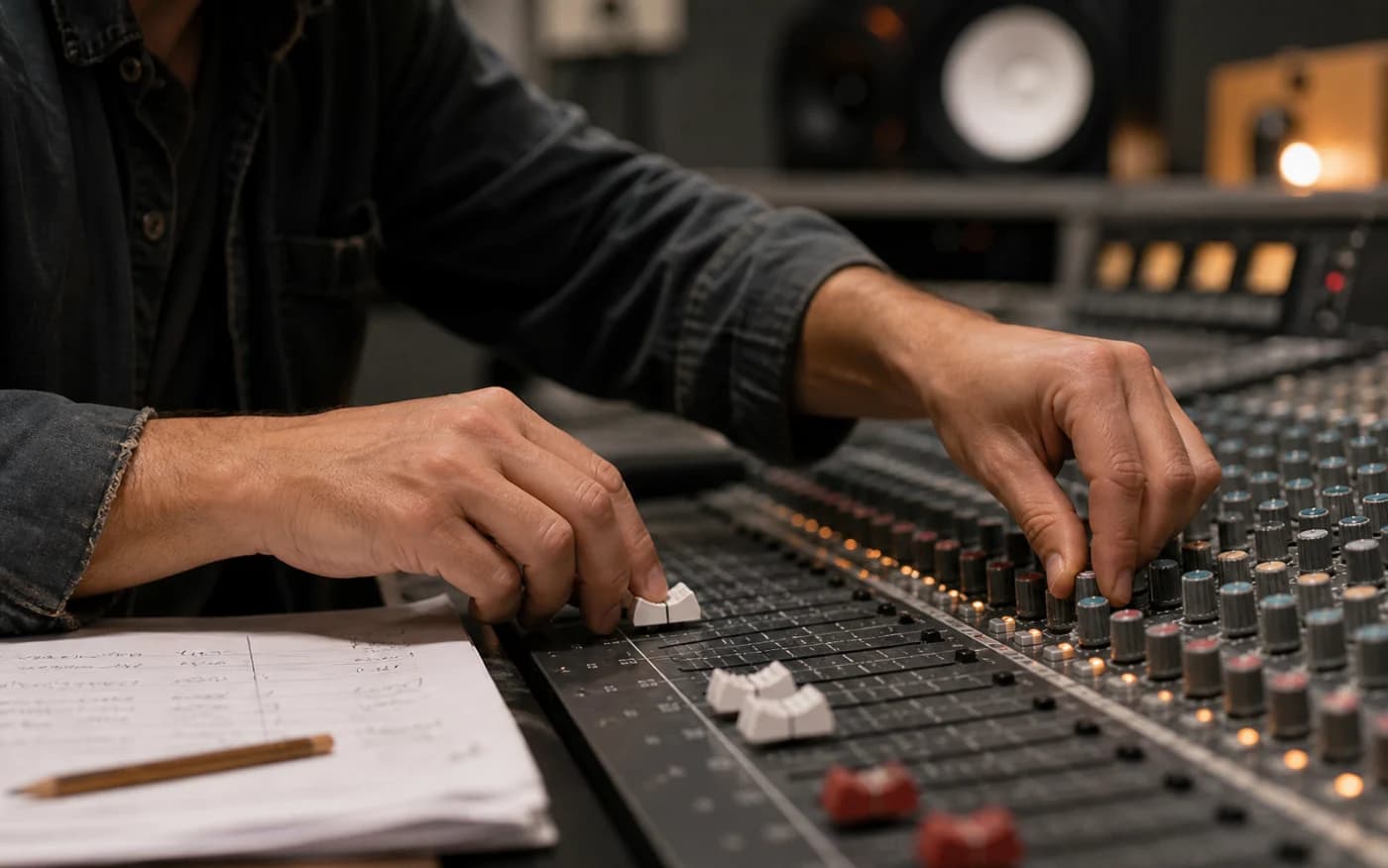
Direct the delivery
Clone your voice from a short recording and use it in the studio, so the narration still sounds like you.
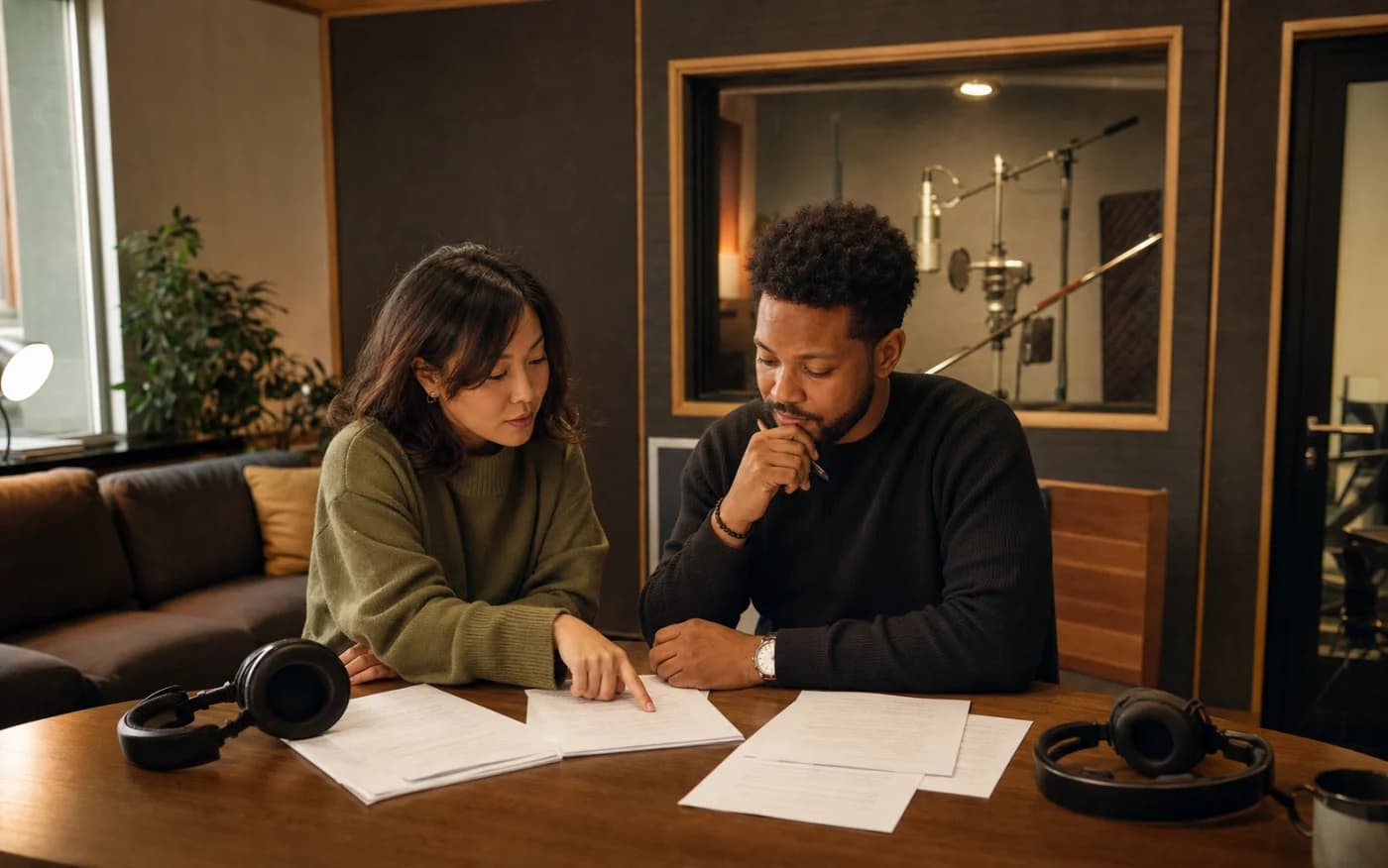
Build for more audiences
Generate speech in multiple languages for localized videos, lessons, and product content.
GET BETTER RESULTS
Write the way people speak. Shorter sentences, contractions, and clear punctuation help the voice place pauses where a listener expects them. Spell out numbers, dates, and abbreviations the way you want them read.
Listen to the first result with headphones before you generate a long script. If one word is mispronounced, try a phonetic spelling. If the pace feels rushed, add a comma or split the sentence rather than slowing the whole track.
QUESTIONS BEFORE YOU CREATE
Yes. You can preview text to speech in the browser without an account, and the free plan includes 3,000 characters per month. Paid plans add more characters and voices.
Yes. Generated speech can be downloaded as an MP3 and used in your editor, podcast, or course platform.
Yes. Clone your voice from a short recording on the voice cloning page, then select it in the text to speech studio like any other voice.
The voice library includes voices for English and many other languages, including Portuguese, Spanish, German, French, Japanese, Korean, Chinese, and Hindi.
Yes. Use the PDF to audio tool to upload PDF, Word, TXT, or spreadsheet files and have the text extracted for you.
Yes. The AI dialogue generator lets you assign up to five voices to different speakers in one script.
Paste a paragraph, pick a voice, and hear it in seconds. Start free, then move to the studio when you are ready for longer projects.
Try It FreeAI text to speech
Voice track