Multilingual Voice Cloning: Speak in 24 Languages
Imagine finishing an English product walkthrough and receiving requests for Spanish and Japanese versions. The pictures still work. The message is already approved. What you need is narration that makes sense to each audience while keeping a familiar speaker.
Multilingual voice cloning can supply that continuity. You create a voice from an authorized recording, then use it to generate speech from scripts in supported languages. The speaker does not need to record every translated sentence.
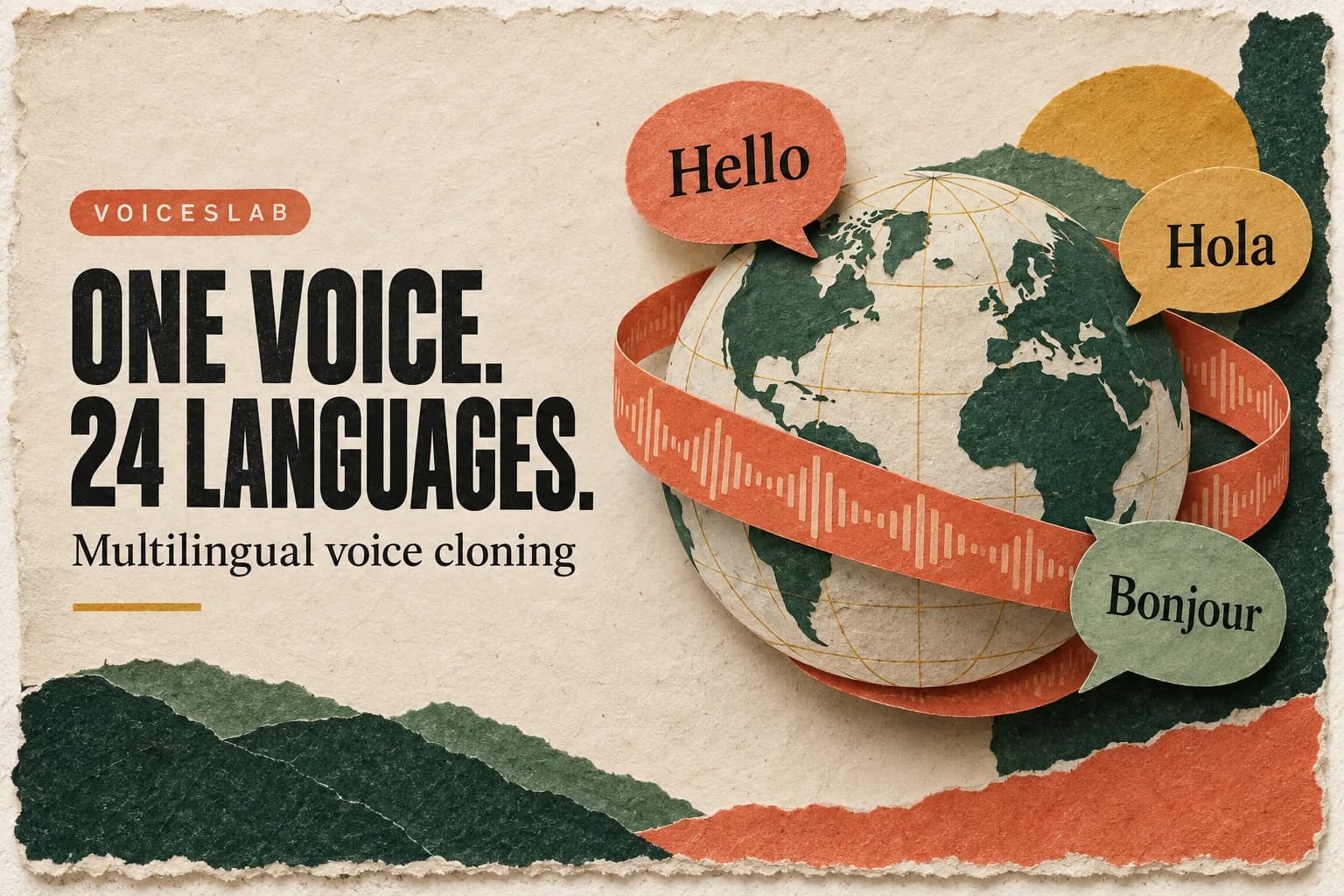
Voiceslab currently lists 24 supported voice-cloning languages. That creates room to reuse a voice across markets, but a usable language version still needs a good translation, pronunciation review, and an edit that fits the audio. Here is how to plan that work without turning one finished video into an unmanageable collection of drafts.
What multilingual voice cloning actually changes
A voice clone captures recognizable qualities of a speaker so that new text can be spoken in a similar voice. In a multilingual workflow, the target text is in a different language from the original reference recording.
The aim is a familiar vocal identity, not an identical sound in every language. Different languages use different sounds, stress patterns, and sentence rhythms. A Spanish sentence and a Japanese sentence should not be forced into the cadence of the original English recording.
Voice cloning also does not translate a script by itself. Prepare the target-language wording separately, review it, and then generate the narration. If you paste English text, do not expect it to become a Japanese explanation simply because your project is intended for Japan.
Dubbing adds another layer: matching the new speech to the existing video. It can involve timing, music, sound effects, captions, and visible mouth movements. This guide describes a narration workflow; it does not assume automatic lip sync or an end-to-end video translation feature in Voiceslab.
The 24 supported languages
Voiceslab's current voice-cloning language list includes Arabic, Cantonese, Chinese, Czech, Dutch, English, Finnish, French, German, Greek, Hindi, Indonesian, Italian, Japanese, Korean, Polish, Portuguese, Romanian, Russian, Spanish, Thai, Turkish, Ukrainian, and Vietnamese.
The product lists Cantonese separately from Chinese. Follow the available labels when creating your voice and preparing a project, and test the actual language variety you need.
A supported language is not a guarantee of every regional accent or dialect. A team targeting Brazil should evaluate its Portuguese output with a Brazilian reviewer; a campaign for Spain should use wording and pronunciation appropriate to that audience. Avoid treating a broad language label as proof that every local detail will be correct.
Choose your first target language based on actual demand. Customer requests, existing audience geography, or a localized product launch provide better reasons than the number of languages available. Start where you can also arrange competent review.
One approved version is a useful production template. Twenty-four unreviewed versions are a large editing queue.
Prepare a voice and a script that can travel
Start with a clean sample of your own voice or a speaker who has authorized this use. Voiceslab's workflow accepts a 10–60 second reference. Choose steady, natural speech with minimal background noise and no competing speaker or music.
The reference should resemble the role the voice will have. A relaxed instructor sample is more useful for lessons than an exaggerated announcer performance. If you need help choosing or recording it, the voice sample preparation guide covers the practical setup.
When another person supplies the voice, agree on the languages and types of content they are comfortable with. Someone who approved an English introduction may want to review how their identity is used in translated advertisements or customer messages. Keep that agreement with the project.
Next, prepare the source script for translation. Remove jokes, unexplained acronyms, and idioms that are unnecessary to the message. Explain references a translator cannot infer from the words alone. If a sentence accompanies a specific button or diagram, include that visual context.
Keep a small terminology sheet for product names, feature labels, and recurring phrases. Record which names stay unchanged and which are localized. This prevents each language version from inventing its own name for the same feature.
Translate for listeners, then generate a pilot
Give the translator or language reviewer the script and the video together. Ask for speech that sounds natural to the intended audience, while preserving the meaning and important details. A translation can be grammatically correct and still feel awkward when read aloud.
Consider a line such as “You're all set. Hit the ground running with your first project.” The useful meaning is that setup is complete and the viewer can start a project. A literal translation of the idiom may distract from that simple instruction.
Keep numbers, units, dates, and offers explicit. Decide how a price should be spoken and whether a date needs a different order. Do not silently convert currency or change a claim merely to make the line sound local. Those are content decisions that need approval.
Generate a short pilot using the saved clone and the approved target-language script in Text to Speech. Include ordinary narration plus a product name, a number, and a sentence that carries the main message. This is more informative than testing only “Hello, welcome.”
Have a fluent reviewer listen before generating the whole project. Ask them to flag exact words or timestamps, and distinguish a translation problem from a pronunciation problem. “This sounds odd” is hard to act on; “the date is read as a decimal” identifies a fix.
Keep the accepted script and generated file together. When you adjust spellings to improve pronunciation, preserve the correct written version for captions and on-screen copy.
Make room for the translated audio
Translated text often changes length. The W3C's internationalization guidance advises allowing for expansion in translated content. Audio needs a similar planning margin, though written length alone cannot predict speaking duration. Measure the generated take.
For example, suppose an English scene has eight seconds of narration inside a ten-second shot. A reviewed translation may produce twelve seconds of speech. First decide whether the shot can be extended or the wording shortened without losing meaning. Increasing playback speed should not be the automatic response.
Generate by scene or a short group of related sentences. Keep enough context for natural phrasing, but avoid making a long video one inseparable audio file. Scene-level files let you revise the affected passage when a translation or interface label changes.
Leave room around demonstrations. A viewer may need time to read a label or watch a cursor before hearing the next instruction. If translated narration finishes earlier than the original, a pause can be useful.
For footage with a visible speaking presenter, assess the mismatch honestly. A new voice track alone will not change their mouth movements. Depending on the project, cutaways, slides, or a clearly presented voiceover may suit the material better than a close-up of the speaker throughout.
Review meaning, voice, and the final video
Divide review into concrete questions. A fluent listener checks meaning and natural expression; an editor checks timing and the final mix. One person can handle both roles if they have the relevant skills, but do not assume audio fluency proves linguistic accuracy.
Use a short review list for each version:
- Does the narration preserve the approved meaning, including numbers and qualifications?
- Are names and technical terms understandable to the target audience?
- Does the voice remain recognizable and consistent between sections?
- Can viewers follow the visuals without rushing?
- Do captions match the final spoken version?
Compare sections at similar volume. A louder take may seem clearer even when its pronunciation is worse. Listen in context with music and effects, then inspect any uncertain words on their own.
If a term fails repeatedly, try a phonetic spelling in the generation script or rewrite the sentence around it. Keep changes documented so the next episode does not repeat the same experiments. For sensitive instructions or specialized content, use a reviewer who understands the subject as well as the language.
Export and review the complete video before publishing. A correctly generated audio file can still be placed against the wrong scene or paired with captions from an earlier revision.
Publish and maintain each language version
Choose distribution before multiplying exports. Some destinations support alternate audio tracks; others need a separate video for each language. That choice affects file naming, captions, and how viewers find the right version.
For channels with access, YouTube's multi-language audio feature lets creators add audio tracks to an existing video. Check the current availability and upload requirements in Studio. Uploading a reviewed track is a separate workflow from relying on automatic dubbing.
Name files by project, language or locale, scene, and revision. Keep the approved translation, generated audio, captions, and final export in the same project structure. A record of who reviewed each version makes later corrections easier to route.
When the original script changes, mark the affected scenes in every language. Even a small update to a price or feature name can leave translated versions saying something different. Regenerate the changed passages, review their transitions, and update captions alongside the audio.
Do I need to speak every target language?
You do not need to personally record each translated script, but you do need a reliable way to review the output. Arrange a fluent reviewer rather than approving an unfamiliar language solely because the voice sounds smooth.
Will my accent sound identical in every language?
Not necessarily. Voice identity, pronunciation, and accent are related but different. Evaluate the target-language result instead of promising a specific regional accent based on the reference alone.
Should I launch all 24 languages at once?
Start with one language and a representative short project. Use it to estimate translation and review work, then expand where audience demand justifies maintaining another version.
To try that pilot, open the Voiceslab voice cloning tool, create an authorized voice, and generate one reviewed target-language passage. Listen with someone who knows the language, fit the audio to the scene, and use that approved example to guide the rest of the project.